前提
http://example.com/blog/ に MovableType をインストールしたい.DocumentRoot は /var/www
ファイルを展開して /var/www/blog にコピー
% tar xzvf MT-3_2-ja-2.tar.gz
% cp -rf MT-3.2-ja-2 /var/www/blog
パーミッションと所有者の設定
% cd /var/www/blog
# chown -R www-data:www-data *
# chmod -R 755 *.cgi
mt-config.cgi を作成
# cp mt-config.cgi-original mt-config.cgi
mt-config.cgi の設定
# Path setting
CGIPath           http://example.com/blog/
StaticWebPath     http://example.com/blog/mt-static
HelpURL           http://example.com/blog/mt-static/docs/

# DB Setting
ObjectDriver      DBI::mysql
Database          mt
DBUser            mt
DBPassword        password
DBHost            localhost

EmailAddressMain  admin@example.com
MovableType用のDBとユーザを作成
% mysqladmin -uroot create mt
% mysql -uroot mysql
mysql> GRANT ALL PRIVILEGES ON mt.* TO mt@localhost IDENTIFIED BY 'password' WITH GRANT OPTION;
mysql> quit
% mysqladmin -uroot reload
apacheの設定
/etc/apache/conf.d/mt.conf<Directory /var/www/blog>
Options +ExecCGI
</Directory># apachectl restart
MovableType のインストール
http://example.com/blog/ からインストールを行う.
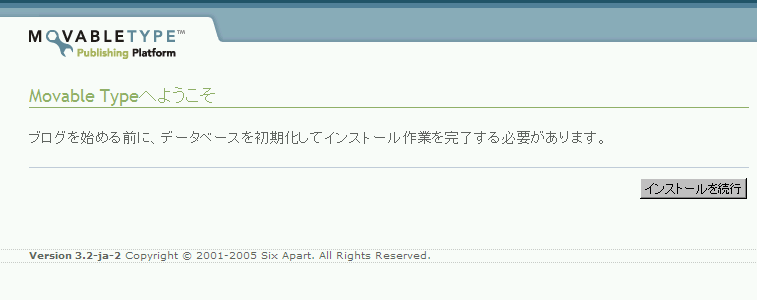
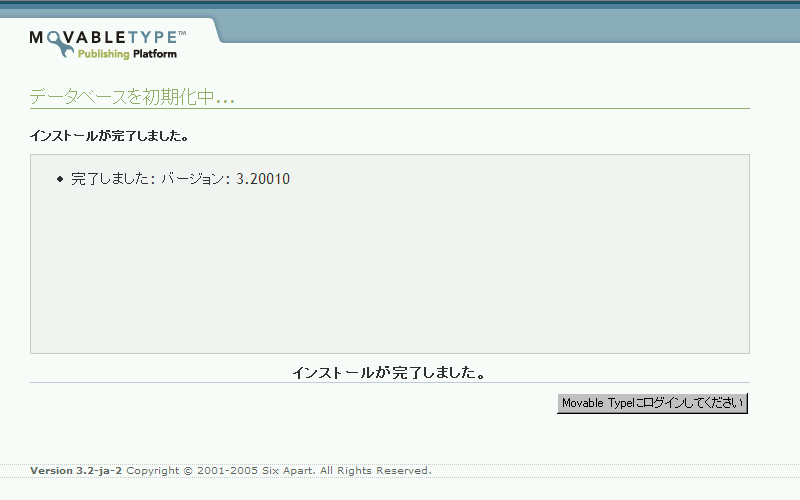
500 Internal Server Error が発生したら,パーミッション,mt-config.cgiのDB設定部分を確認.
インストールのチェック
足りないモジュールなどが表示される.http://example.com/blog/mt-check.cgi
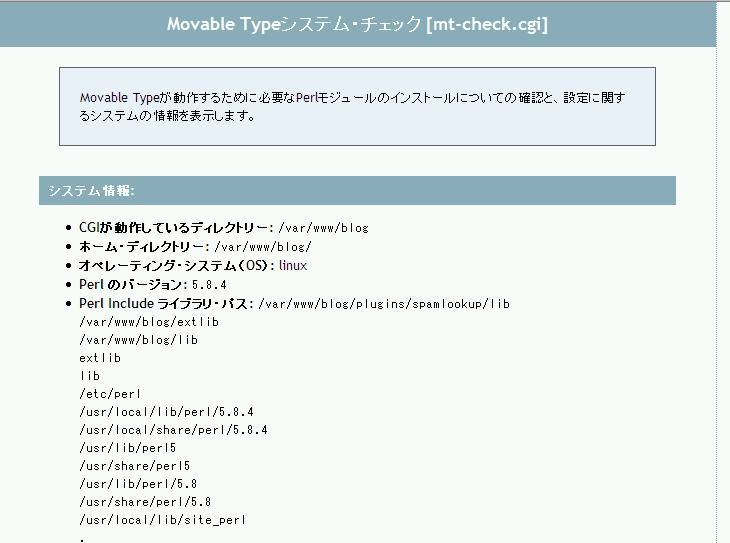
オプションのモジュールを追加
Image::Magick# aptitude install perlmagick
Crypt::DSA
# cpan install Crypt::DSA
XML::Atom
# aptitude install libxml-atom-perl
初期ログイン名とパスワードでログイン
| ログイン名 | Melody |
| パスワード | Nelson |

Reference
Movable Typeユーザー・マニュアル: Movable Typeの新規インストールhttp://www.sixapart.jp/movabletype/manual/mtmanual_install.html
Movable Typeユーザー・マニュアル: Movable Typeへのログイン/ログアウト
http://www.sixapart.jp/movabletype/manual/mtmanual_login.html
Crypt::DSA
Image::Magick
XML::Atom
Debian パッケージディレクトリ検索 (バイナリ) - perlmagick
Debian パッケージディレクトリ検索 (バイナリ) - libxml-atom-perl